 showesy
Your media. In the mix.
Bring images, H.264 MP4 videos, TikTok and Instagram posts into your campaigns. Add text to make the message your own.
 RajiTVDigital signage powered by Showesy.
Create campaigns, connect screens and publish updates instantly.
How it works
One workspace. A TV browser. Four simple steps.
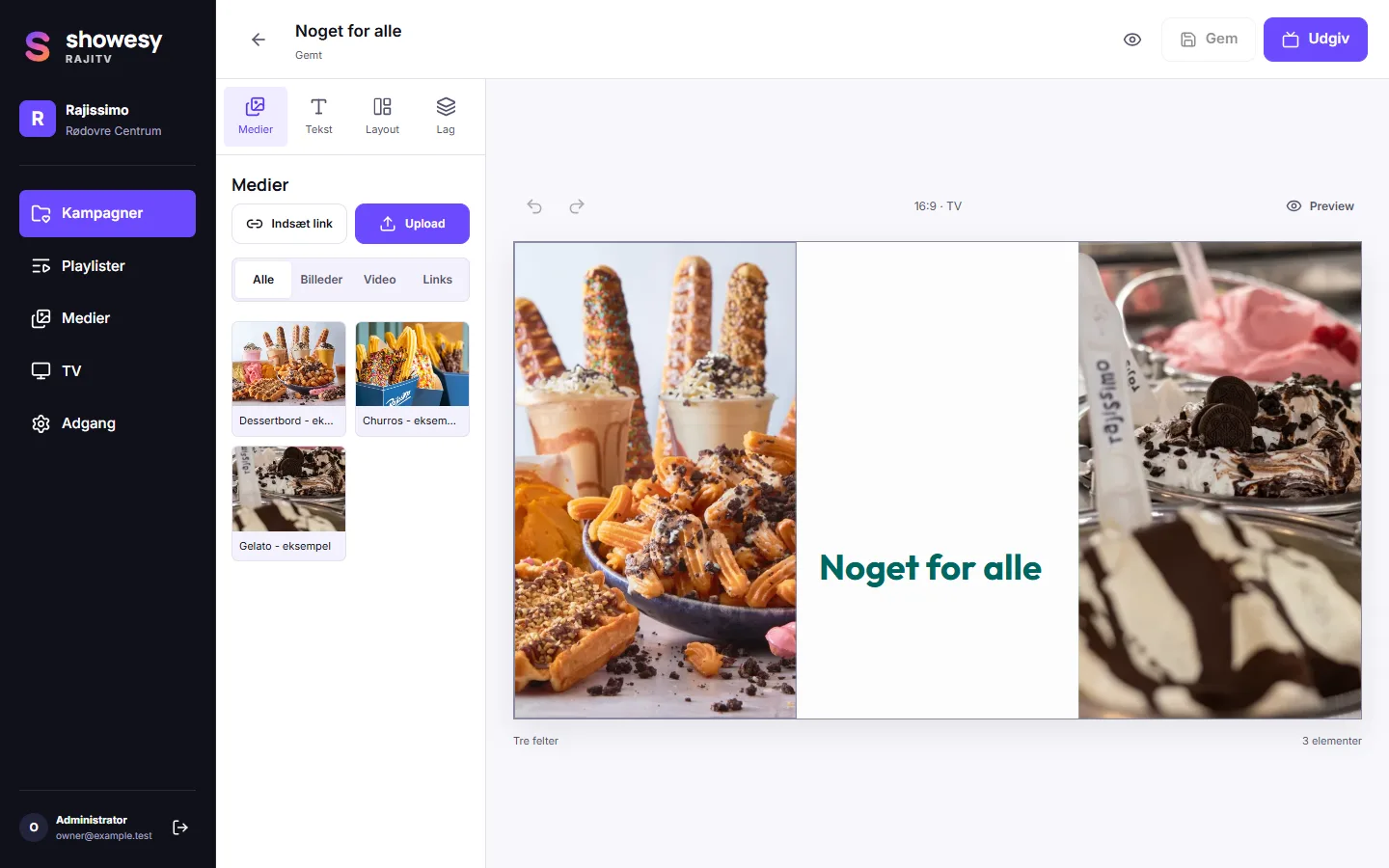
Choose a layout and add your content in RajiTV. Get the message just right.
Open the TV’s browser and go to showesy.com/
Enter the code shown on the TV in RajiTV to connect your screen.
Publish your campaign. The TV updates automatically. Make a change, publish again.
In RajiTV today
The tools to create your content, keep it organized and get it in front of people.
Start with a layout that fits your message and your screen: landscape 16:9, or portrait 9:16 with the zones stacked as rows. Add your content, then crop, resize and arrange layers. Undo and redo as you refine.
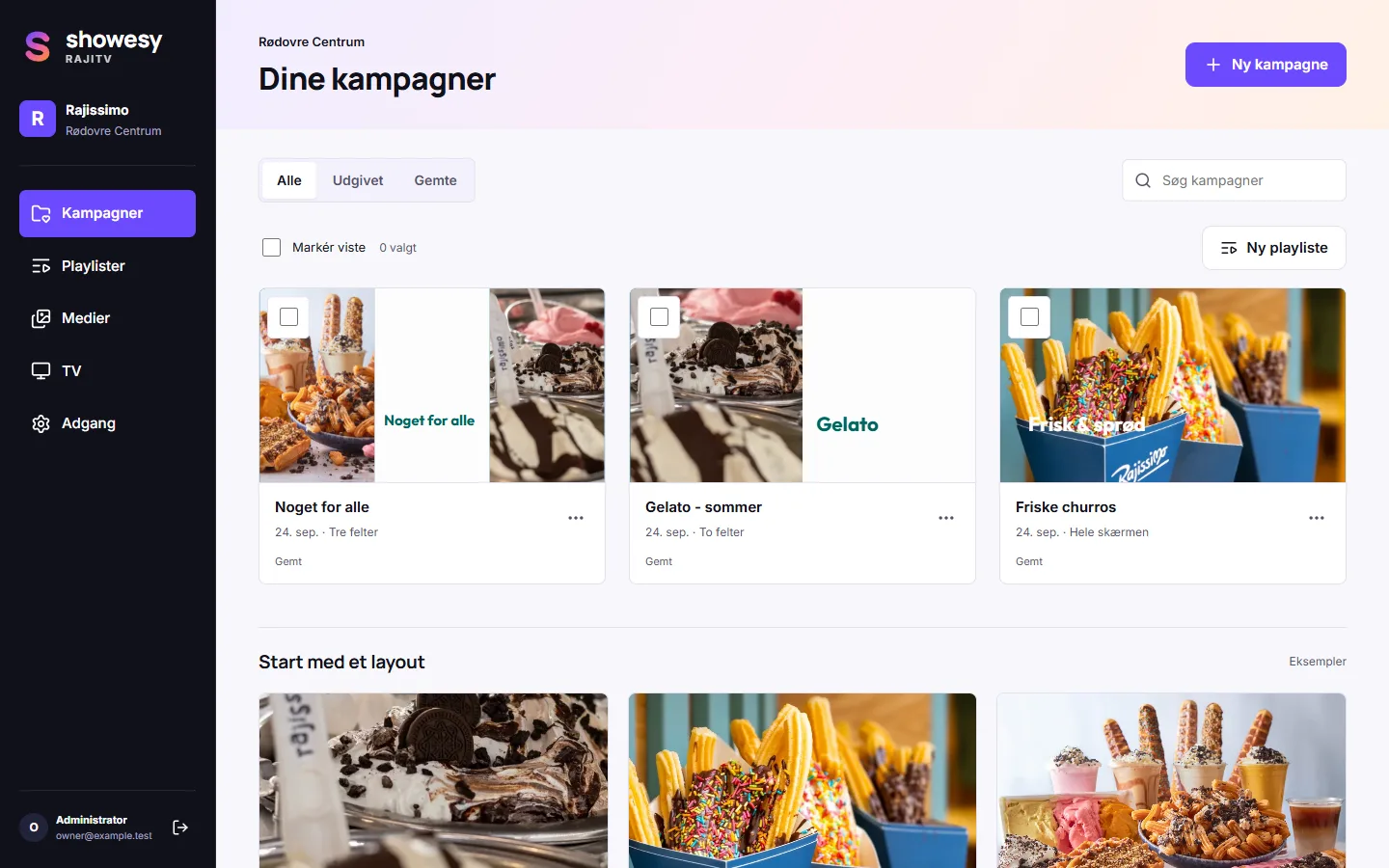
Bring images, H.264 MP4 videos, TikTok and Instagram posts into your campaigns. Add text to make the message your own.
Bring campaigns together in a playlist that loops. Give each campaign its own duration and let the sequence play.
Use Microsoft sign-in and give people the role they need in your workspace.
From your workspace to the real world
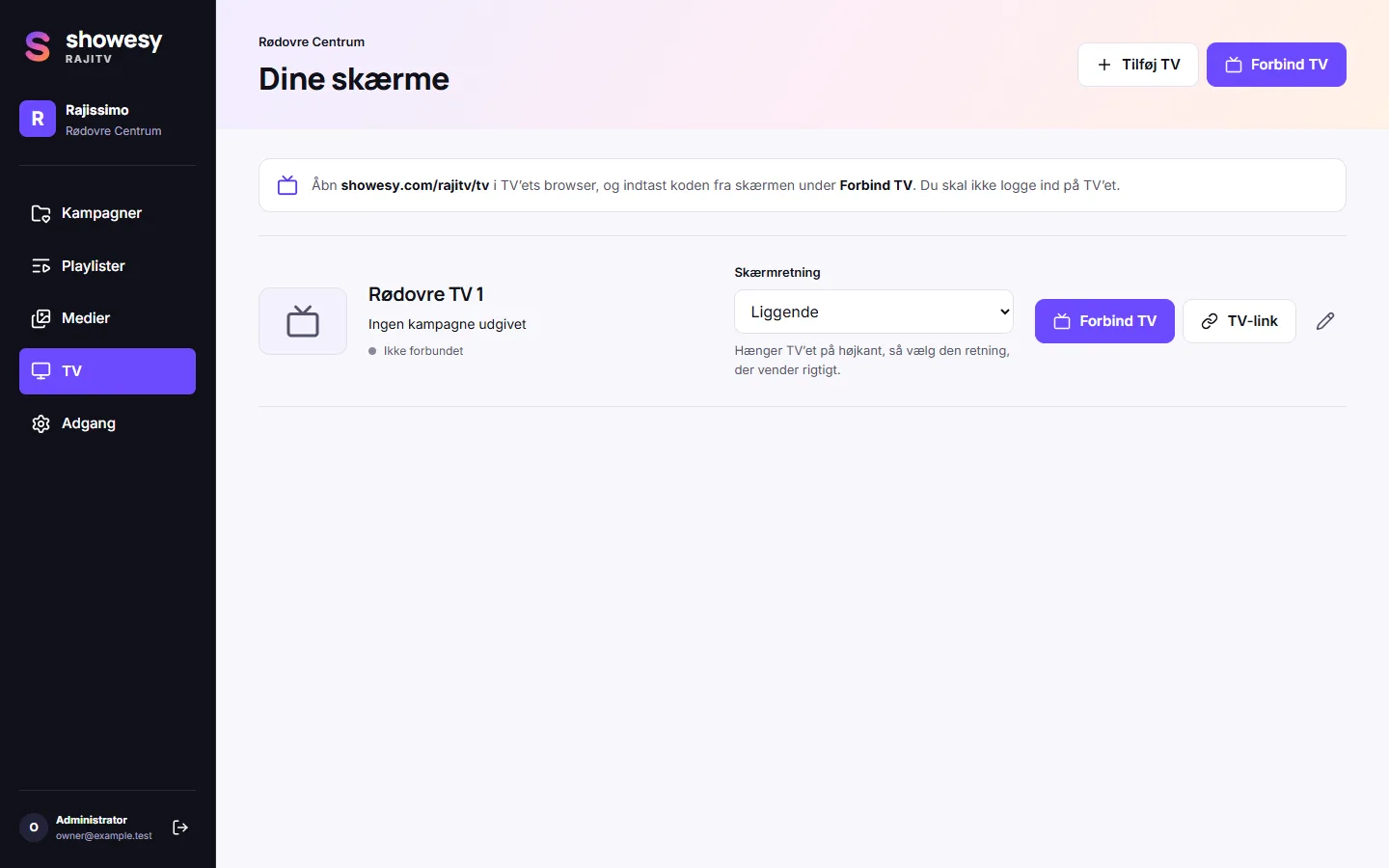
See your screens and their online or offline status from your RajiTV workspace.
Create portrait 9:16 campaigns. If a TV hangs on its side, an admin can turn its picture 90 degrees in RajiTV.
Offline-ready playback keeps showing downloaded content without an internet connection.
Publish updates instantly to connected screens. The TV updates automatically.
Your content has somewhere to go.